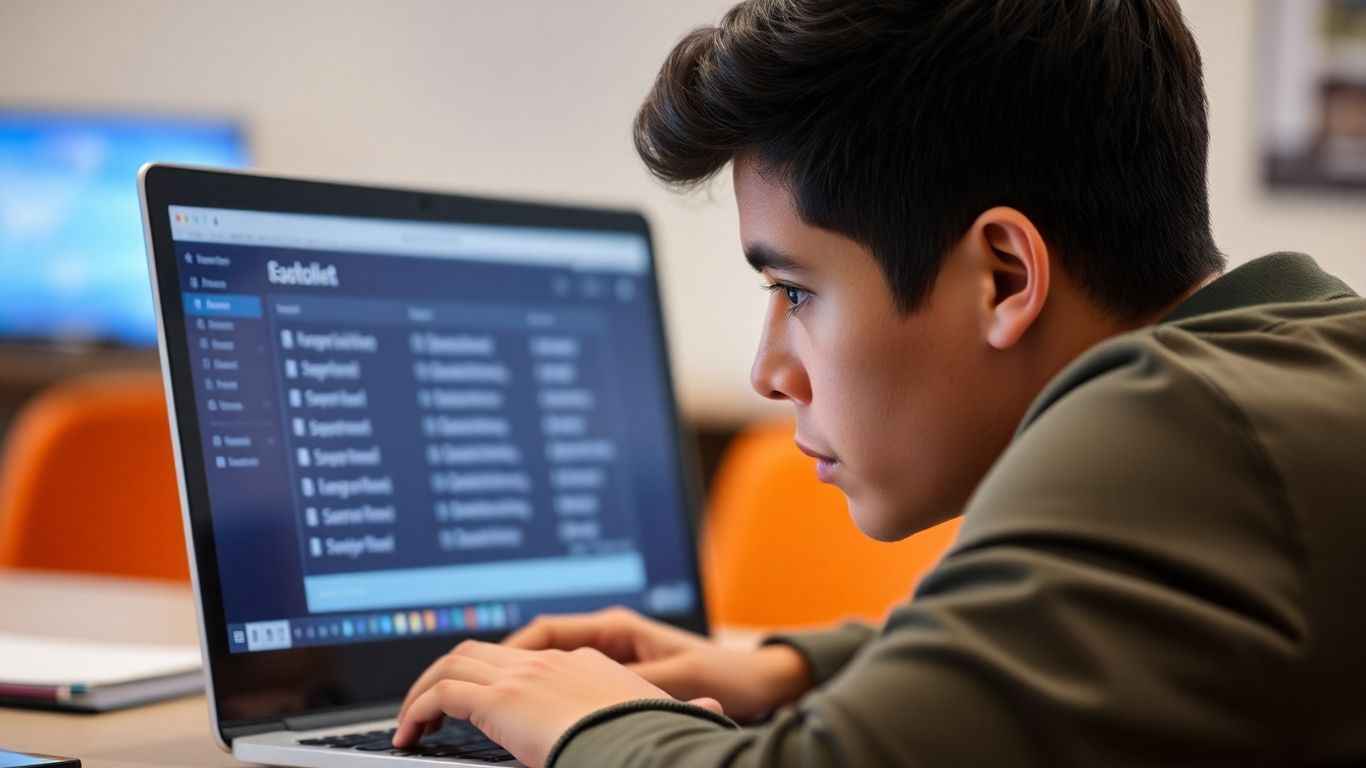
Thinking about taking the IELTS on a computer? It's a bit different from the old paper way, and getting ready for it means practicing on a computer too. This guide is all about helping you get comfortable with the ielts computer based practice test so you can feel more confident on test day. We'll cover what you need to know about the format, how to use practice tests effectively, and some tips to make sure you do your best.
Key Takeaways
- The computer-based IELTS uses a digital format for Listening, Reading, and Writing, with Speaking still done in person.
- Practice tests that mimic the computer interface are important for getting used to typing and navigating.
- Basic computer skills, like typing and using a mouse, are needed, but you don't have to be a tech whiz.
- Official IELTS practice materials and reputable online mock tests are good resources for preparation.
- Being able to review and change answers on the computer is a benefit, but time management is still key.
Understanding the Computer-Based IELTS Format
So, you're thinking about taking the IELTS test, but maybe the idea of a computer-based version feels a little new? It's totally understandable. The computer-delivered IELTS is basically the same test you know and (maybe) love, just with a digital twist for most of it. You'll still tackle Listening, Reading, and Writing on a computer, while the Speaking part remains a face-to-face chat with an examiner. This format is becoming pretty popular, especially if you're already comfortable with typing and using computers daily. It's designed to be straightforward, so don't let the 'computer' part scare you off.
The computer-based IELTS is an adaptation of the traditional paper test. Instead of pens and paper, you'll be using a computer at an official test center for the Listening, Reading, and Writing sections. The Speaking test is still conducted in person, just like the paper version. This digital format is available for both the Academic and General Training modules, so it fits most people's needs.
There are a few things that set the computer-based test apart from its paper counterpart. For starters, the Listening section doesn't give you that extra time at the end to transfer your answers to an answer sheet. You have to get them down as you go. This means time management is a bit more of a focus. Also, the computer version often has more frequent test dates and times available, which can be a big help when you're trying to schedule your test. It's a good idea to check the availability of IELTS tests in your area.
Here's a quick look at some differences:
- Answer Transfer: No extra time in Listening for transferring answers.
- Scheduling: Often more flexible with dates and times.
- Editing: Easier to edit answers in Writing on the computer.
- Interface: Uses a digital interface with built-in timers.
The computer-based test is designed to be user-friendly. You'll see clear instructions, and the interface has features like a countdown timer to help you keep track of your time. It's all about making the experience as smooth as possible.
When you arrive at the test center, you'll be shown to your own workstation. These centers are set up to be quiet and focused, with minimal distractions. You'll have a computer, keyboard, and mouse ready to go. The staff are there to help if you have any questions, and they make sure everything runs smoothly. It's a controlled setting, so you can concentrate on doing your best. They also have measures in place to handle any unexpected technical issues, so you don't have to worry too much about that.
Navigating Your IELTS Computer Based Practice Test
So, you've decided to tackle the computer-based IELTS. That's great! It's a bit different from the paper version, and getting comfortable with the digital setup is key. Think of your practice tests as a trial run, not just for your English skills, but for your tech skills too.
Simulating the Digital Interface
When you do a practice test, try to make it as close to the real thing as possible. This means using a computer, not just scribbling on paper. The actual test interface is pretty straightforward, designed to be easy to use. You'll see the questions on your screen, and you'll use your mouse and keyboard to interact with them. There's usually a timer ticking away, so getting used to that visual cue is important.
- Familiarize yourself with the layout: Look at screenshots or watch videos of the actual test interface if you can. Notice where the questions are, where the timer is, and how you move between sections.
- Practice with the tools: The computer test might have features like highlighting text or making notes digitally. See if your practice platform offers these, and try using them.
- Get used to the navigation: Learn how to go back to previous questions and how to move forward. This is a big advantage over the paper test, where you can't easily change answers once you've moved on.
The computer-based IELTS interface is built for ease of use. Don't let the technology itself become a barrier to showing what you know. Practice makes it feel natural.
Typing Skills for the Writing Section
This is where the computer-based test really differs. You'll be typing your essays and reports. If you're not a fast typist, this can add extra pressure. It's not just about knowing the words; it's about getting them onto the screen efficiently.
- Practice typing regularly: Even 15-20 minutes a day can make a difference. Focus on accuracy first, then speed.
- Learn common essay structures: Knowing how you'll organize your thoughts will help you type faster without getting stuck.
- Use spell check wisely: The computer will have spell check, but don't rely on it entirely. You still need to know how to spell correctly.
Efficient Time Management Strategies
Time management is always a big deal in IELTS, and the computer format adds its own twist. Since there's no extra time to transfer answers like in the paper test, you need to be on the ball.
- Allocate time per question: Break down the total time for each section into smaller chunks for each question or task. For example, in Reading, you might aim for about 20 minutes per passage.
- Don't get stuck: If a question is really tough, make a note (digitally, if possible) and move on. You can always come back to it if you have time.
- Keep an eye on the clock: The timer is your friend. Use it to pace yourself, but don't let it make you panic. A quick glance now and then is usually enough.
Essential Technical Skills for Digital Testing
Alright, so you're getting ready for the computer-based IELTS, and that's great! It's a bit different from the paper version, and honestly, you don't need to be a tech wizard. But, being comfortable with a few basic computer things will make a big difference on test day. Think of it like this: you wouldn't go for a driving test without knowing how to start the car, right? Same idea here.
Basic Computer Proficiency
This is pretty straightforward. You should know how to turn on a computer, use the mouse to point and click, and generally move around the screen. The test software is designed to be user-friendly, but a little bit of familiarity goes a long way. You'll be interacting with the system quite a bit, so feeling at ease with these actions is key.
Keyboard and Mouse Familiarity
This is where the rubber meets the road, especially for the Writing section. You'll be typing your essays and responses, so having a decent typing speed and accuracy is a huge plus. Don't stress if you're not a speed typist, but aim for a comfortable pace where you can get your ideas down without feeling rushed. Practice typing out paragraphs or even full essays. Also, get used to using the mouse for selecting text, copying and pasting (if allowed for certain tasks), and clicking on options. It's not just about typing; it's about using the whole input system effectively.
Understanding Digital Navigation
This means knowing how to move between different parts of the test. You'll likely encounter features like scrolling through text, clicking on buttons to move to the next question, and perhaps using drop-down menus. The interface will guide you, but understanding these common digital actions will prevent any confusion. Think about how you browse websites or use apps – many of the principles are similar.
Here’s a quick rundown of common actions you might see:
- Scrolling: Moving up and down longer passages or lists.
- Clicking: Selecting answers, confirming choices, or activating functions.
- Typing: Entering your responses in designated text boxes.
- Highlighting: Selecting text, often for copying or referring back.
The computer-based IELTS interface is built to be intuitive. Test administrators will also be on hand to help if you get stuck. The main goal is to ensure you can focus on demonstrating your English skills, not on figuring out how to use the computer. A little practice with these basic digital interactions will make the actual test feel much more familiar and less intimidating.
Leveraging Practice Resources for Success
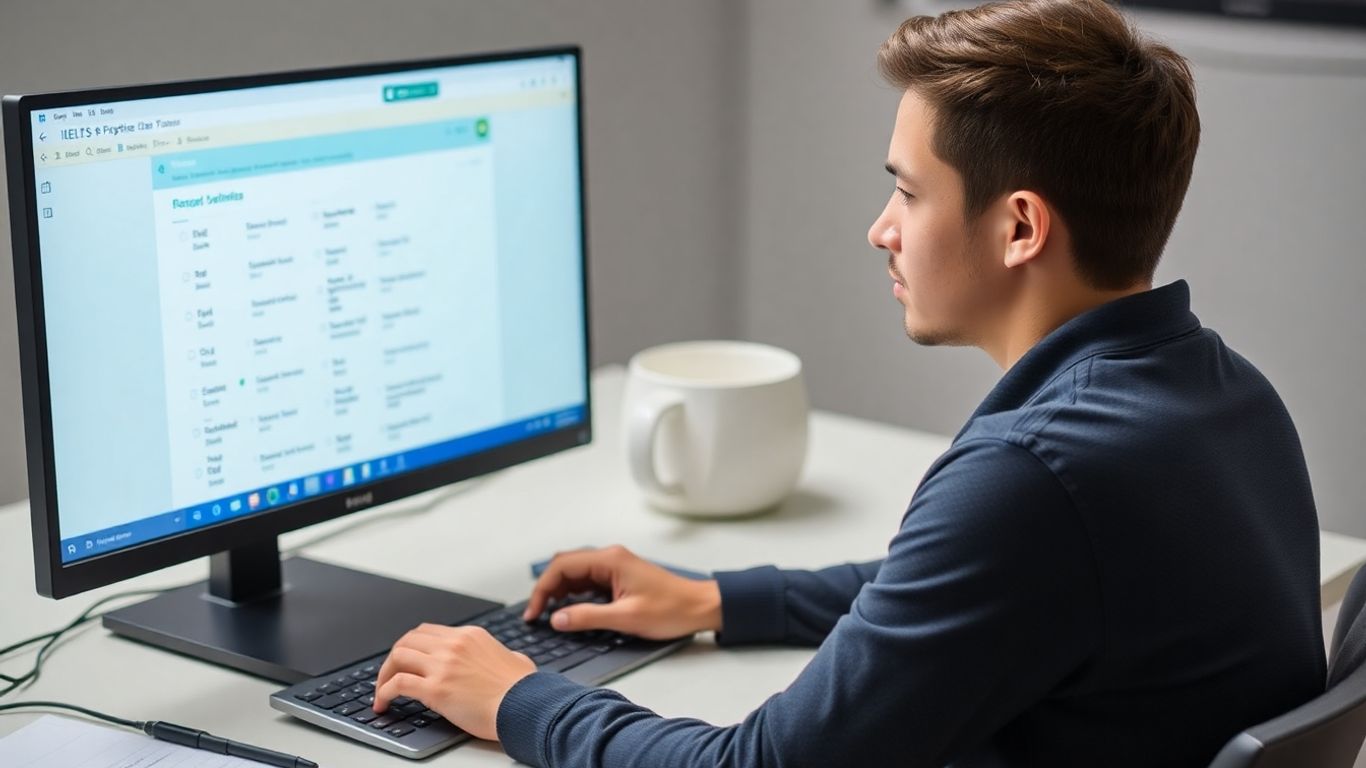
Okay, so you've got the hang of the computer interface and you're feeling good about your typing speed. Now, let's talk about where you're actually going to do your practice. It's not enough to just know how the test works; you need the right materials to get you ready.
Official IELTS Practice Materials
When it comes to preparing for any standardized test, you can't go wrong with the official stuff. The people who make the IELTS also put out practice materials. These are usually the most accurate reflection of what you'll see on test day. They often come in the form of full practice tests, which are super helpful for getting a feel for the real exam.
- Full-length practice tests: These let you experience the entire test from start to finish, helping you build stamina.
- Sample questions: Good for focusing on specific question types you find tricky.
- Scoring guides: Understanding how your answers are marked is key to improving.
Reputable Online Mock Tests
Beyond the official materials, there are tons of online resources. Some are better than others, of course. Look for sites that clearly state they are designed to mimic the computer-based IELTS. Many offer free practice tests that cover all sections of the exam. This is a great way to get extra practice without spending a fortune. You can find some really good free online IELTS practice tests that simulate the actual exam experience.
Here's a quick look at what to expect from good online resources:
| Resource Type | What it Offers |
|---|---|
| Full Mock Tests | Complete simulations of the CBT IELTS |
| Sectional Practice | Focused drills for Listening, Reading, Writing |
| Performance Analytics | Feedback on your strengths and weaknesses |
It's really important to use practice tests that are as close to the real thing as possible. This means paying attention to the timing, the question formats, and even the look and feel of the software. The more familiar you are with the practice environment, the less surprised you'll be on the actual test day.
Assembling Your Own Practice Tests
Sometimes, you might want to create your own practice sessions. Maybe you want to focus intensely on just the Reading section for a week, or perhaps you need more practice with Writing Task 2. You can often piece together different practice materials. For instance, you could take a Listening section from one source, a Reading section from another, and combine them with official Writing prompts. This approach allows for a highly personalized study plan, targeting your specific weak spots. You can even find resources that offer individual sections, like just the Listening practice section, which you can then combine with other parts to build custom tests.
Maximizing Your Practice Test Experience

So you've done a practice test, or maybe a few. That's great! But just taking the test isn't the whole story, is it? To really get the most out of it, you need to think about what happens after you hit that 'submit' button (or whatever the digital equivalent is).
Reviewing and Revising Answers
This is where the real learning happens. Don't just glance at your score and move on. Go back through every single question, especially the ones you got wrong. Why did you miss it? Was it a simple mistake, a misunderstanding of the question, or a gap in your knowledge? For reading and listening, re-read the passage or re-listen to the audio with the correct answer in mind. See how the answer fits. For writing, look at the feedback (if you have it) or compare your response to model answers. The goal isn't just to know the right answer, but to understand why it's right.
Here's a quick way to break down your review:
- Incorrect Answers: What was the specific error? (e.g., misread question, grammar mistake, vocabulary gap).
- Questions You Guessed On: Why did you have to guess? What information were you missing?
- Questions You Got Right (but were unsure): Can you confidently explain why it's correct? If not, treat it like an incorrect answer.
Handling Technical Glitches
Okay, let's talk about the not-so-fun stuff. Sometimes, computers do weird things. Your practice test might freeze, the audio might cut out, or the timer might go wonky. It's annoying, but it's also a chance to practice staying calm under pressure. If you're doing a timed practice, note down what happened and how long it took you to resolve it (or if you had to skip a question). If you're using an official practice platform, see if they have a support number or FAQ for technical issues. Knowing how to report a problem can save you time and stress on test day.
Remember, the test center staff are there to help with technical issues. Don't be afraid to raise your hand and ask for assistance if something goes wrong with the computer system. They can often reset the test or provide a solution.
Understanding the Scoring Process
While you won't get your official score immediately after a practice test, it's good to have an idea of how IELTS is scored. For the computer-based test, the scoring is generally the same as the paper-based test. You get points for accuracy and fluency. For writing and speaking, examiners look at things like task achievement, coherence, lexical resource (vocabulary), and grammatical range and accuracy. Understanding these criteria, even roughly, helps you focus your revision. For example, if you know you tend to make a lot of grammatical errors, you can specifically target those in your review and future practice.
Preparing for Specific Skills in the Digital Format
Alright, let's talk about how to get your skills sharp for the computer-based IELTS. It's not just about knowing English; it's about knowing how to show what you know on a computer.
Listening and Reading Section Strategies
For Listening, the biggest change is that there's no extra time at the end to move your answers over to an answer sheet. You've got to get them typed in as you go. This means you need to be quick with your typing and really pay attention to the audio. Practice with online tests where you listen and type your answers immediately. For Reading, you'll be scrolling through passages and typing answers directly into boxes. Get used to using the highlighter tool and the annotation feature if they're available in your practice tests – they can really help you keep track of things.
- Practice active listening: Try to predict what information is coming next based on the questions.
- Develop quick reading skills: Skim and scan passages efficiently to find keywords.
- Master the digital tools: Get comfortable with scrolling, highlighting, and typing answers without delay.
Writing Section Techniques
This is where your typing speed really matters. You'll be typing your essays and reports directly into a text box. The ability to type quickly and accurately is a significant advantage. Don't just practice writing; practice typing your responses. Familiarize yourself with the word count feature and how to edit your text efficiently. Proofreading on a screen is different from proofreading on paper, so practice that too.
Here’s a quick look at the task types:
| Task Type | Description |
|---|---|
| Task 1 (Academic) | Describing visual information (graph, chart, etc.) |
| Task 1 (General) | Writing a letter |
| Task 2 | Writing an essay |
Speaking Section Preparation
The Speaking test is still face-to-face with an examiner, just like the paper-based version. So, your preparation here is more about content and fluency. However, being comfortable with the computer for the other sections can reduce your overall stress, allowing you to focus better on your speaking performance.
While the Speaking test remains a human interaction, the confidence you gain from mastering the digital aspects of the Listening, Reading, and Writing sections can positively impact your overall test-day demeanor. A calm and collected test-taker is often a more successful one.
- Practice speaking clearly and at a good pace.
- Work on expanding your answers to fully address the examiner's questions.
- Record yourself speaking and listen back to identify areas for improvement in pronunciation and grammar.
Wrapping Up Your Computer-Based IELTS Prep
So, you've made it through the guide on tackling the computer-based IELTS. Remember, practice is really the name of the game here. Getting comfortable with the digital format, practicing your typing, and getting used to the interface will make a huge difference on test day. Don't forget to use the official resources and reputable practice tests out there to get the most accurate feel for the real exam. You've got this! Keep practicing, stay focused, and you'll be well on your way to achieving your target score.
Frequently Asked Questions
What's the main difference between the computer test and the paper test for IELTS?
The biggest change is that you'll do the Listening, Reading, and Writing parts on a computer. The Speaking part is still face-to-face. Also, in the Listening part, there's no extra time at the end to move your answers over, so you need to be quick with your typing.
Do I need to be a computer whiz to take the IELTS on a computer?
Not at all! You just need to know the basics, like how to use a mouse and keyboard, and how to type. The test system is pretty easy to use. Practicing with online mock tests will help you get comfortable with it.
Can I go back and change my answers on the computer test?
Yes, you can! One cool thing about the computer test is that you can easily jump back to earlier questions to check or change your answers before the time is up for that section. This is super helpful for making sure your answers are just right.
What happens if the computer crashes during my test?
Don't worry too much if that happens! The test centers have plans for technical problems. Your work is usually saved as you go, so you can pick up where you left off. If they can't fix it quickly, they'll help you reschedule your test so you don't lose out.
How quickly will I get my results for the computer-based IELTS?
One of the best parts of the computer test is getting your results fast! You can usually expect them in about 3 to 5 days, which is much quicker than waiting for the paper test results.
Where can I find good practice tests for the computer-based IELTS?
You can find official practice materials on the IELTS website and through organizations like the British Council and IDP. There are also many good online platforms that offer computer-based mock tests that feel just like the real thing. It's smart to stick to official or well-known resources.